Before you begin
Open Microsoft Teams in Chrome or a current Chromium-based Edge build and sign in with the account that can see the conversation. Select the conversation itself rather than the Files tab. Wait until messages are visible.
Export the conversation and files
- Open Chat Exporter from the browser toolbar.
- Review the first-run notice explaining that the open conversation and accessible file links are processed locally.
- Leave Include accessible files enabled when you need attachments.
- Click Export chat to ZIP.
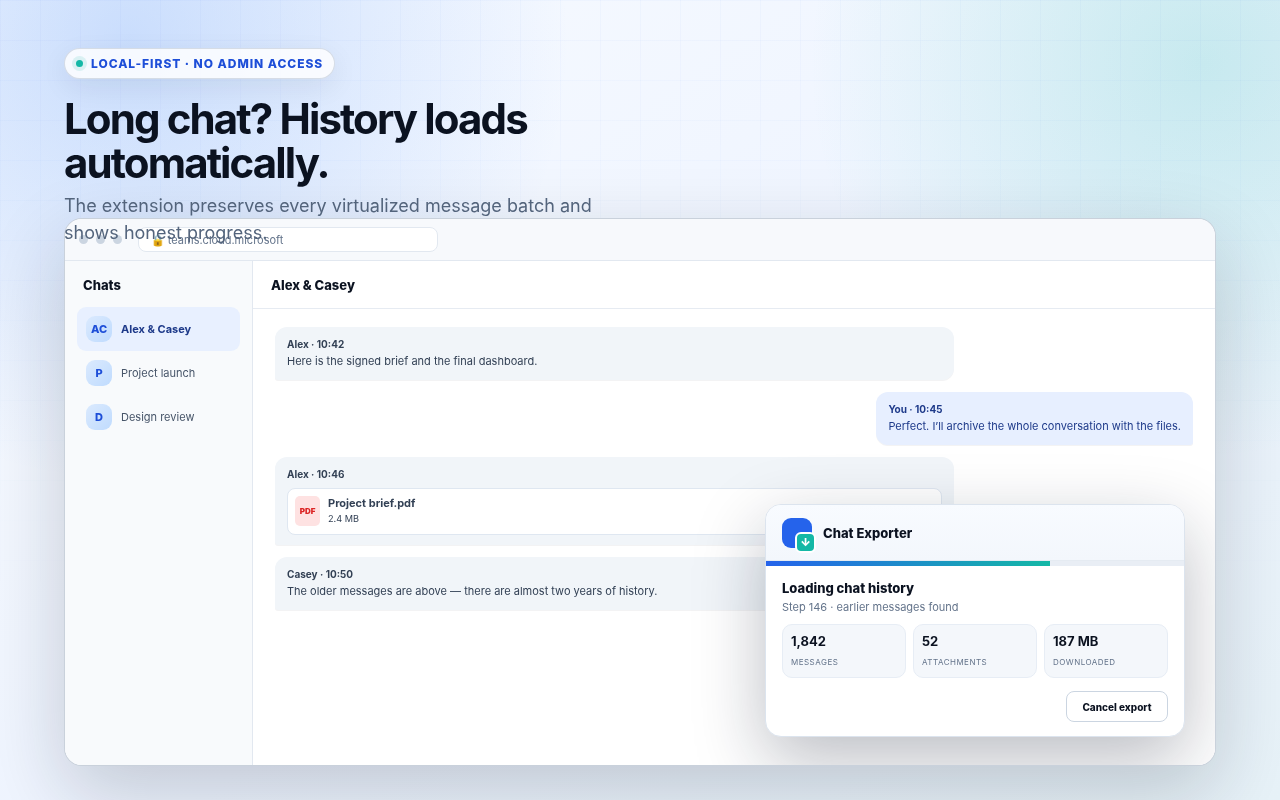
- Keep the Teams tab open. The in-page panel loads older virtualized messages, counts attachment candidates, and downloads files it can access.
- Save the ZIP when the panel reports that the archive is ready.
What is inside the ZIP?
| Path | Purpose |
|---|---|
chat.html | Searchable offline conversation with safe formatting and relative file links. |
chat.json | Structured message and attachment data for scripts or local analysis. |
chat.csv | One message per row for Excel and spreadsheets. |
links.csv | Ordinary links shared in the chat. |
attachments/ | Images and files the signed-in session could retrieve. |
attachments-report.csv | Status, source URL, resolved URL, size, MIME type, and failure reason for each candidate. |
failed-attachments.html | Clickable recovery list for files that require manual download. |
Why some Teams attachments cannot be downloaded
A message can display a file card even when a direct background-style fetch is not available. Microsoft 365 may require another interactive sign-in, return a SharePoint viewer page, enforce Conditional Access, reject a cross-origin request, or remove access after the message was sent.
The exporter does not hide these cases. Open attachments-report.csv and use failed-attachments.html while signed in to retrieve the file manually when policy permits.
Verify a long export
Compare the first and last message in chat.html with Teams. The exporter refuses to create a ZIP when its bounded history traversal cannot confirm the beginning, but manual verification remains valuable because Teams can change its interface.
Keep messages and accessible files together
Review the open-source implementation and validated release package.